How I Built a Radius Plugin for Headlamp
Hi, I’m Filipe Revez, and I work at Millennium bcp, Portugal’s largest privately owned bank. As some of you may know, Millennium bcp has been an early adopter of Radius — we wrote about our journey in a case study back in 2023, where we shared how we use Radius to go from 8 days to 8 minutes when deploying applications across environments. We also have a few engineers that actively contribute to the Radius ecosystem. Radius has become a key part of the platform we’ve built for our development teams, enabling them to focus on their applications while our infrastructure teams manage the underlying resources through Recipes and Environments.
As our Radius adoption has grown, so has the need for better visibility into what’s deployed and how it’s running. The rad CLI and the Radius Dashboard are great for individual developers and Radius-specific workflows, but we wanted a unified web-based experience where our teams could browse Radius applications, environments, and resources alongside their Kubernetes workloads — all in one place. That’s why I built a Radius plugin for Headlamp.
Why Headlamp?
Headlamp is an open-source Kubernetes web UI maintained under Kubernetes SIGs. It runs in-cluster or as a desktop app, and, most importantly for this project, it has a plugin system that lets you add custom pages, sidebar entries, and resource views without forking the project. For us at Millennium bcp, Headlamp is our de facto Kubernetes UI, so extending it with Radius views was a natural fit for the platform we’re building.
What the Plugin Does
The plugin adds a “Radius” section to the Headlamp sidebar with several views that provide comprehensive visibility into your Radius resources:
Overview Dashboard — A summary of all Radius resources in the cluster with status breakdowns (succeeded, failed, processing, suspended).
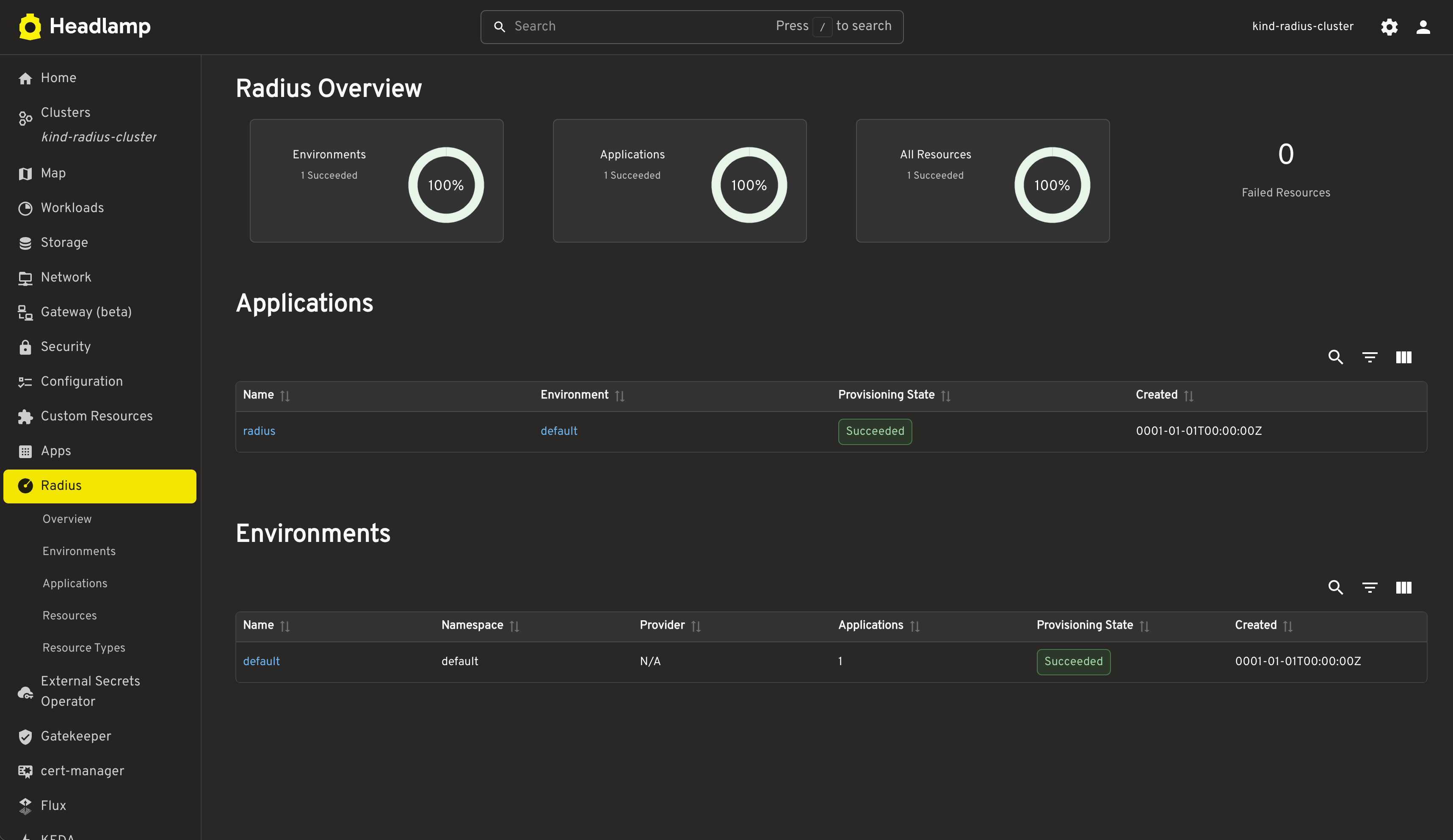
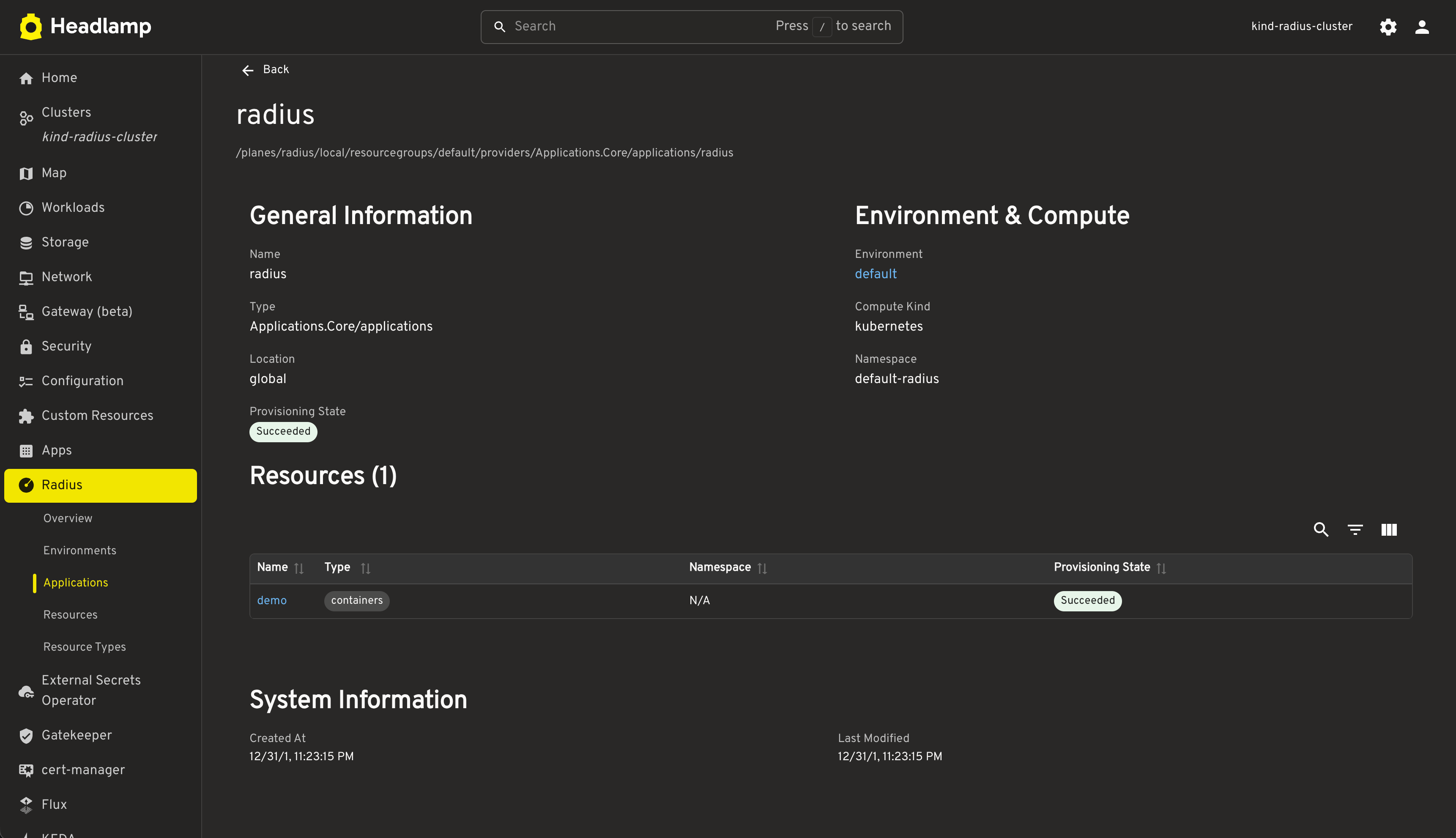
Applications — Lists all Radius applications, with detail views showing environment configuration, associated resources, and system metadata.
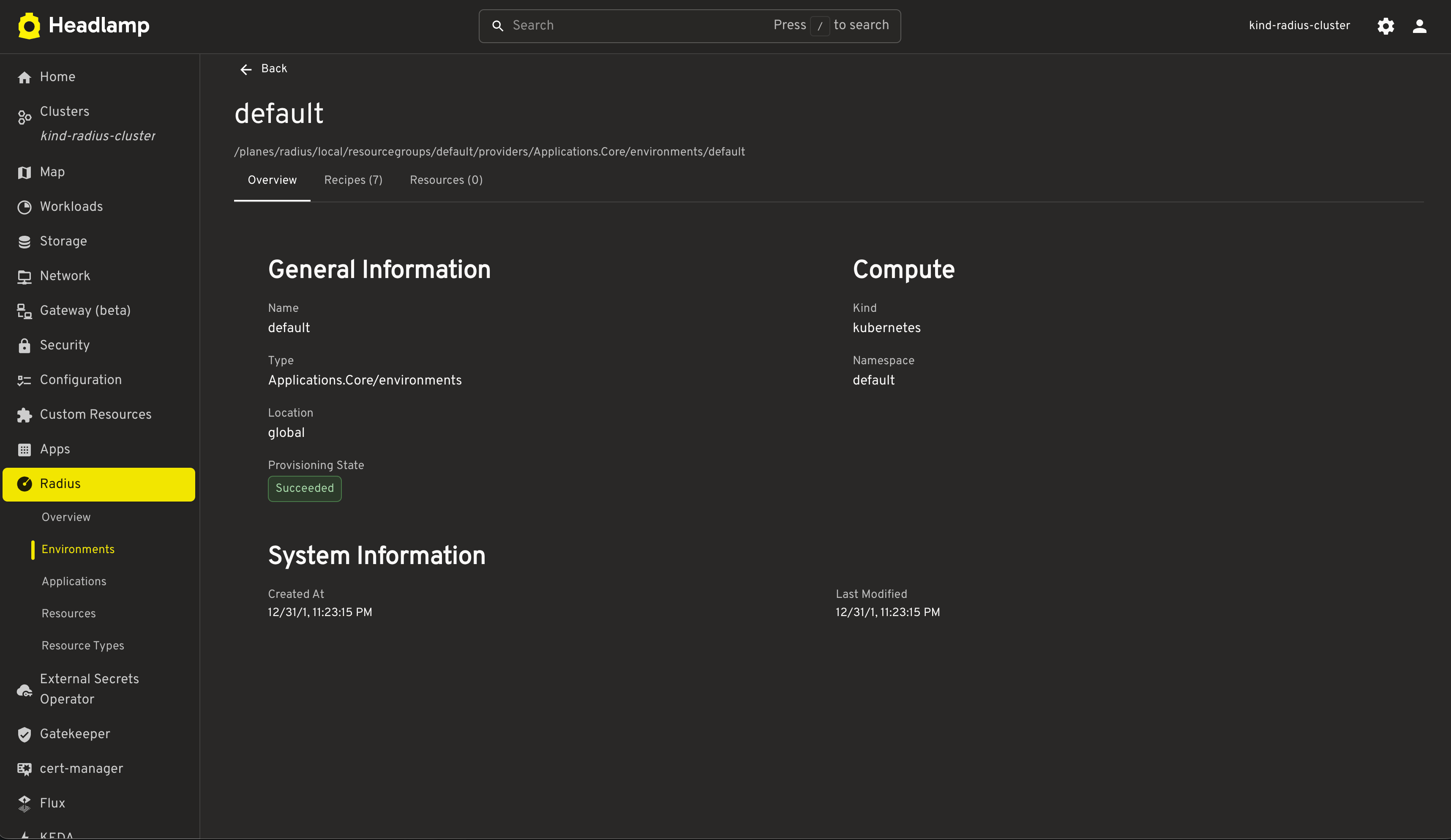
Environments — Browse Radius environments and their compute configuration.
Resources — View resources across all Radius providers (
Applications.Core,Applications.Datastores,Applications.Messaging,Applications.Dapr) with provisioning state indicators.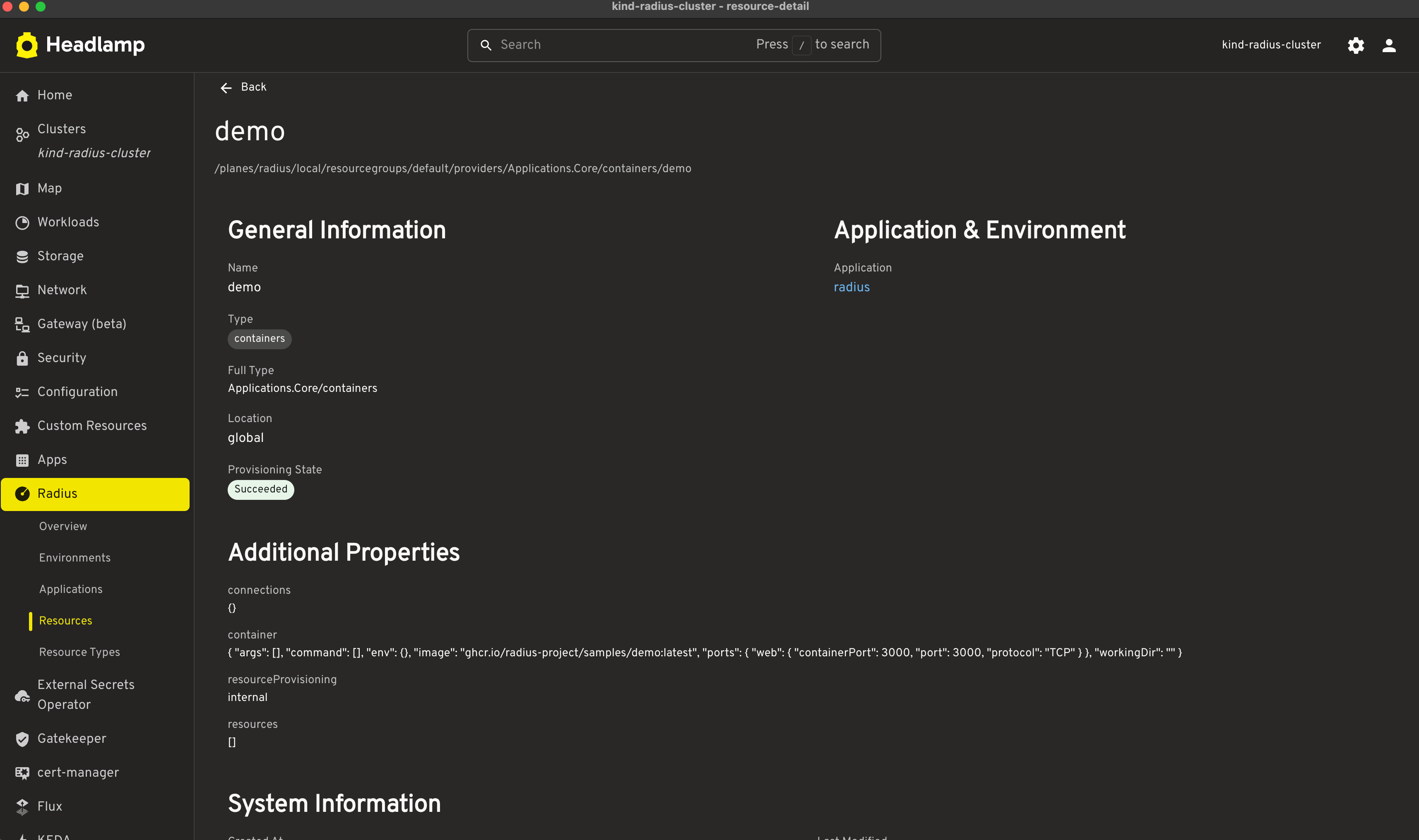
Resource Types — Explore the Radius resource types registered in your cluster, including API versions, schemas, and properties.
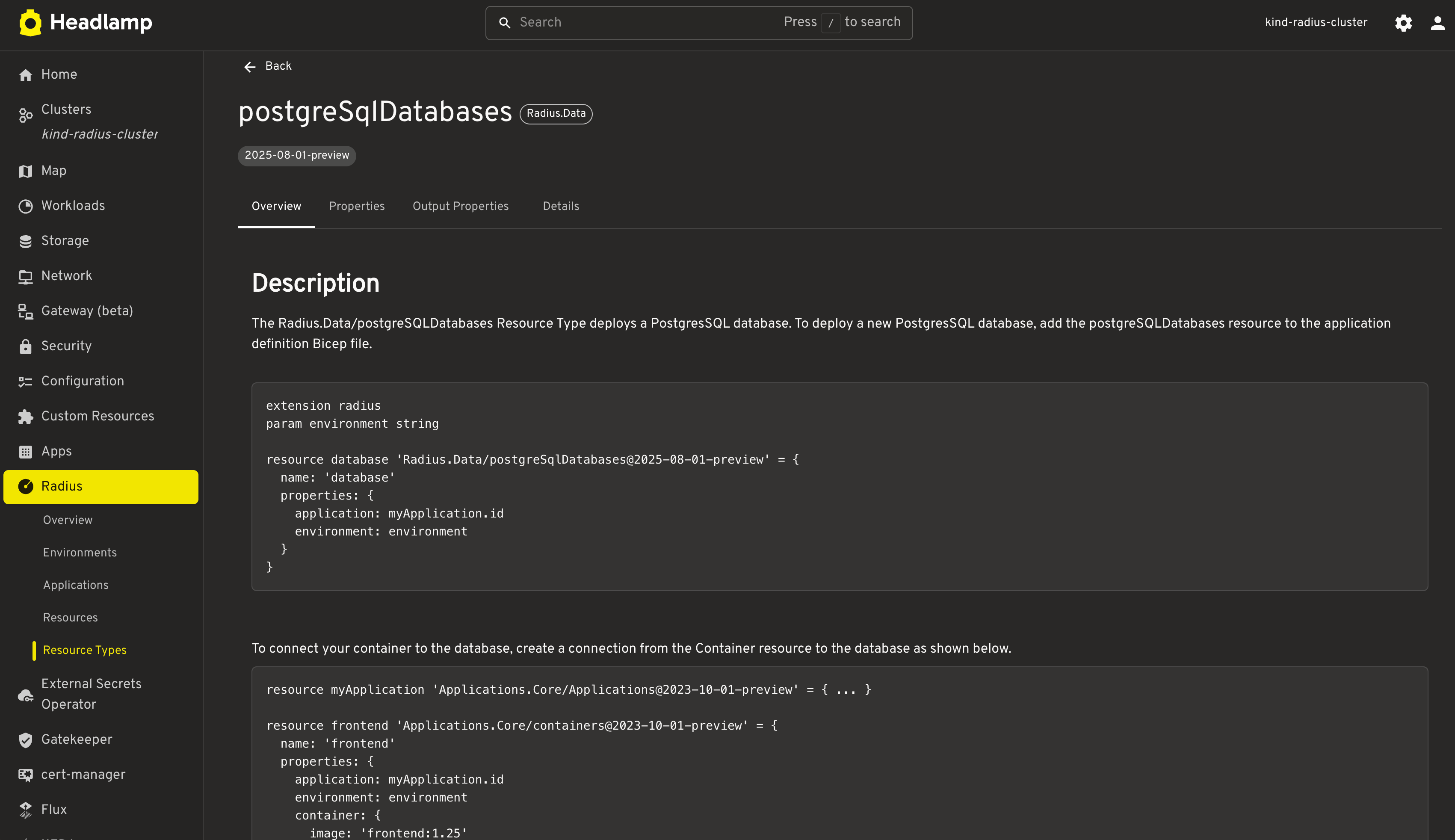
Each resource gets a status label that maps Radius provisioning states to Headlamp’s built-in visual indicators, making it easy to spot issues at a glance. For a team like ours that manages a large and diverse application portfolio spanning multiple environments, having this unified view has significantly reduced the time we spend tracking down application states and debugging deployment issues.
How It Works Under the Hood
One of the things that made this plugin straightforward to build is that Radius exposes its UCP (Universal Control Plane) API through the Kubernetes API Aggregation Layer. That means the plugin doesn’t need any extra proxies or API endpoints — it talks to Radius through the same Kubernetes API server that Headlamp is already connected to.
The flow is simple:
- Headlamp connects to your Kubernetes cluster as usual.
- The plugin registers sidebar entries and routes for the Radius views.
- When you navigate to a Radius view, it makes API calls through the Kubernetes API Aggregation Layer to the Radius UCP.
- The UCP returns data about applications, environments, resources, and resource types, and the plugin renders it.
If you can access your cluster with Headlamp, you can see your Radius resources — no additional setup required on the API side.
Trying It Out
To use the plugin, you’ll need:
- A Kubernetes cluster with Radius installed.
- Headlamp installed (in-cluster or desktop).
- The Radius plugin installed in Headlamp (available on Artifact Hub).
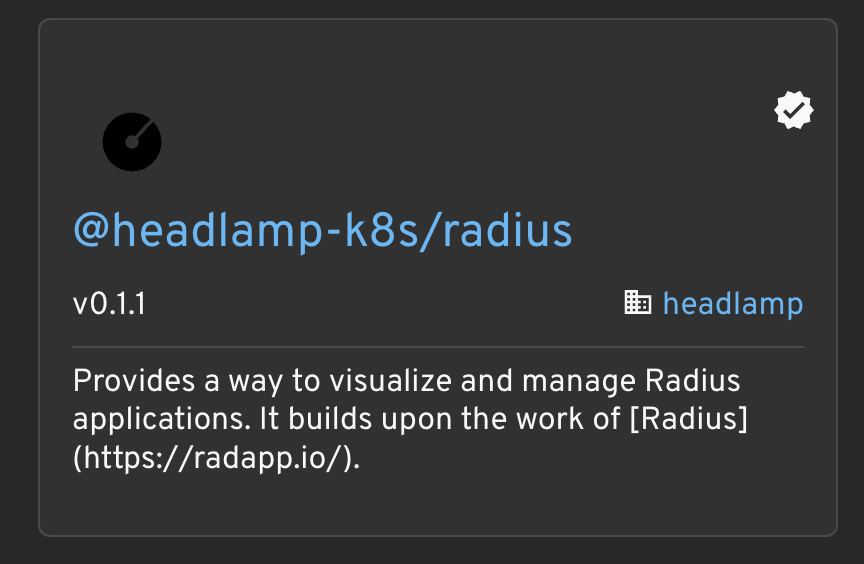
You can install the plugin directly from Headlamp’s plugin catalog or manually from Artifact Hub. Once installed, you’ll see the “Radius” section in the sidebar. From there you can browse apps, environments, resources, and resource types — all from the same UI you use for the rest of your cluster.
What I’d Like to Build Next
This is the first version and there are a few things I’d like to improve:
- Enhanced sidebar navigation - The current view is functional but could be more intuitive with nested sidebar entries, collapsible sections, and resource counts. I’m also considering adding filtering and search capabilities to make it easier to navigate between related resources in larger deployments.
- Application graph visualization - Using the Radius Application Graph to render an interactive visual map of how resources in an application are connected. This is something we’re especially excited about at Millennium bcp, as it would give our teams an always-up-to-date picture of how their applications are put together and how changes propagate through dependencies.
- Resource actions - Adding the ability to perform common operations directly from the UI, such as deploying new resources, updating configurations, viewing logs and events, or triggering recipe updates.
- Change Radius logo - The current plugin has the icon in black. I’d like to update it to the official Radius logo in color, but I haven’t had a chance to get to that yet.
If any of these sound interesting to you, I’d love help or feedback. The plugin is open source and contributions are welcome!
Get Involved
I built this plugin because we needed it at Millennium bcp, but I’m contributing it to the Headlamp plugins repository so it’s available to the whole community. If you’d like to check it out or get involved:
- See the plugin PR for the full implementation.
- Install the plugin from Artifact Hub
- Get started with Radius using the getting started guide.
- Learn about building Headlamp plugins.
- Join the Radius community on Discord — I’d love to hear what you think.
Wrapping Up
Building this plugin has been a great way to bridge the gap between Radius and Kubernetes tooling. By bringing Radius visibility into the same UI our teams already use for cluster management, we’ve made it easier for developers to understand and manage their applications without switching contexts.
The combination of Radius’s application-centric abstractions and Headlamp’s extensible UI creates a powerful platform for teams looking to streamline their application management workflows. Whether you’re just getting started with Radius or already using it in production, I hope this plugin helps you and your team work more efficiently.
Thanks to the Radius and Headlamp communities for building such great open-source tools, and for welcoming contributions like this one.